

Table of Contents
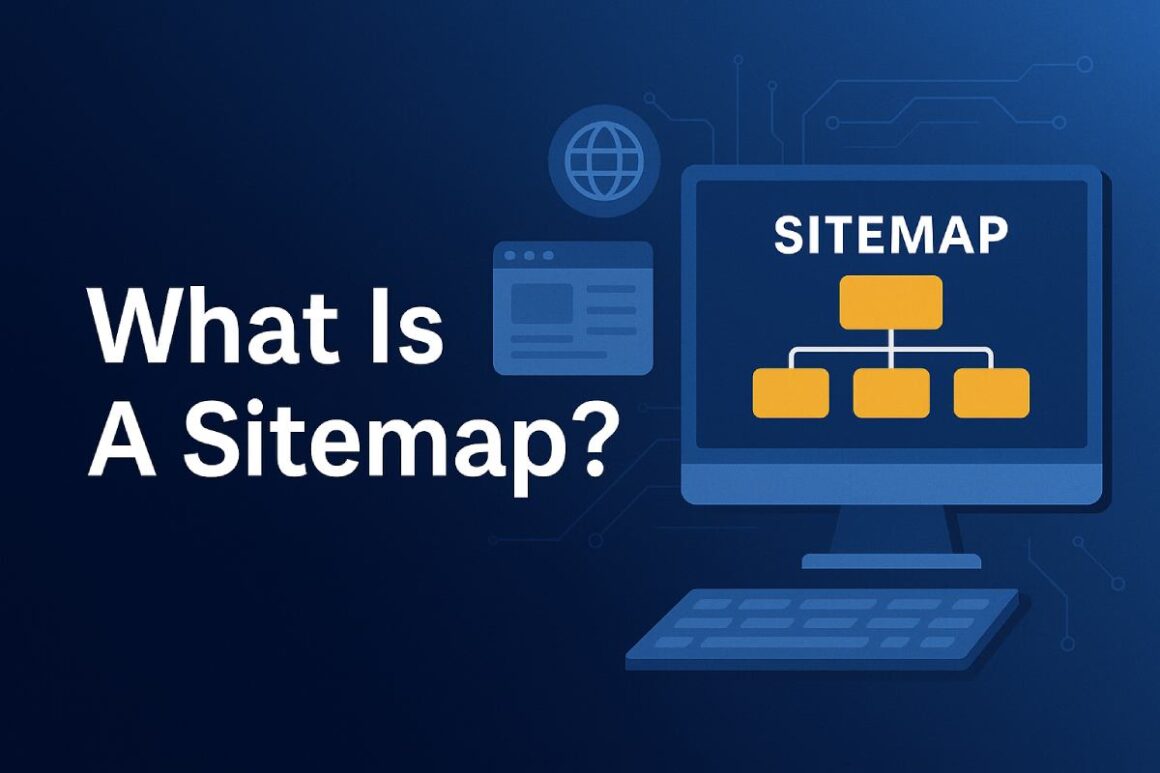
What Is A Sitemap—and do you actually need one?
That’s a question I hear all the time, usually from people who already have a website but aren’t sure why Google isn’t picking up their pages as fast as they expected.
I’ve been there. When I built my first site, I assumed search engines would just “figure it out.” Pages were live, links worked, content was solid… so why wasn’t everything showing up in search?
Turns out, a sitemap plays a much bigger role than most people realize. And once I understood it properly, indexing issues stopped being a mystery.
Let’s break this down in plain language—no jargon overload, no over-engineering, just what you actually need to know.
What Is A Sitemap (In Simple Terms)?
A sitemap is basically a roadmap of your website that helps search engines understand:
- What pages exist
- How they’re structured
- When they were last updated
- Which pages matter most
Think of it like handing Google a clean, organized list instead of saying, “Good luck, hope you find everything.”
It doesn’t replace internal links or good site structure—but it supports them.
Why Sitemaps Exist in the First Place
Search engines crawl the web by following links. That works well for many sites, but not all.
Some pages are hard to discover because they:
- Are new
- Are buried deep in navigation
- Aren’t linked from other pages yet
- Belong to large or complex websites
A sitemap helps bridge that gap.
It doesn’t force Google to rank your pages—but it makes sure they’re seen, understood, and considered.
The Two Main Types of Sitemaps You Should Know About
When people ask “What Is A Sitemap?” they’re usually talking about one of these two:
1. XML Sitemaps (The SEO One That Matters Most)
This is the sitemap search engines care about.
An XML sitemap is a structured file (usually ending in /sitemap.xml) that lists important URLs along with extra details like:
- Last modification date
- Update frequency
- Priority level
You don’t need to overthink these settings—Google mostly ignores priority and frequency—but the URL list itself is valuable.
2. HTML Sitemaps (The User-Friendly One)
An HTML sitemap is made for people, not bots.
It’s basically a page on your site that lists links to:
- Main pages
- Categories
- Key sections
These aren’t required for SEO, but they:
- Help users navigate
- Support internal linking
- Improve accessibility
On large sites, they’re surprisingly useful.
Do You Actually Need A Sitemap?
Short answer: most websites should have one.
Longer answer: it depends—but in practice, having a sitemap rarely hurts and often helps.
You definitely want a sitemap if:
- Your site is new
- Your site is large (50+ pages)
- You publish content regularly
- You have pages that aren’t well linked
- You run an ecommerce or blog-heavy site
You might not need one if:
- Your site is very small
- Every page is internally linked well
- Search engines already crawl everything easily
Even then, I usually recommend one anyway. It’s low effort, low risk, and useful.
What A Sitemap Does (And What It Doesn’t Do)
This part clears up a lot of confusion.
What a sitemap does:
- Helps search engines discover URLs
- Speeds up indexing for new or updated pages
- Signals which pages you consider important
- Improves crawl efficiency
What a sitemap does NOT do:
- Guarantee rankings
- Fix bad content
- Replace internal linking
- Override noindex tags
A sitemap is support, not a magic fix.
How Search Engines Use Sitemaps
When you submit a sitemap through tools like Google Search Console, search engines use it as:
- A reference list, not a command
- A way to check for new or changed URLs
- A guide to understand site structure
Google still decides:
- What to crawl
- What to index
- What to rank
But you’ve at least made their job easier.
How I Personally Set Up A Sitemap (The Simple Way)
I’ve done this for blogs, business sites, and large content hubs. The process doesn’t need to be complicated.
Step 1: Generate the Sitemap
Most CMS platforms do this automatically.
For example:
- WordPress → SEO plugins generate it
- Shopify → Built-in sitemap
- Custom sites → Online generators or scripts
Step 2: Check It Manually
I always open the sitemap in a browser and ask:
- Are important pages included?
- Are unwanted pages excluded?
- Are there errors or broken URLs?
Step 3: Submit It to Google Search Console
This takes about 30 seconds and helps with monitoring.
Step 4: Leave It Alone (Mostly)
Once it’s working, you don’t need to touch it unless your site structure changes.
Common Sitemap Mistakes I See All the Time
These mistakes don’t usually destroy a site—but they slow things down.
1. Including Pages That Shouldn’t Be Indexed
Like:
- Login pages
- Thank-you pages
- Duplicate filters
- Internal search results
2. Forgetting to Update It
If your sitemap is static and outdated, it loses value.
3. Blocking Pages in Robots.txt but Including Them in the Sitemap
That sends mixed signals.
4. Submitting Multiple Conflicting Sitemaps
Simple is better.
How Sitemaps Help SEO (Realistically)
Let’s be clear:
A sitemap alone won’t push you to page one.
But combined with:
- Solid content
- Good internal linking
- Clean site structure
- Proper indexing signals
…it becomes a useful piece of the SEO puzzle.
The biggest benefit I’ve noticed is faster indexing, especially for:
- New blog posts
- Updated pages
- Large content sections
Sitemaps vs Internal Links (Which Matters More?)
If I had to choose one, I’d choose internal linking every time.
But here’s the thing—you don’t have to choose.
Internal links help search engines understand relationships.
Sitemaps help search engines discover URLs.
They work best together.
Do You Need Multiple Sitemaps?
Sometimes, yes.
Large sites often split sitemaps by:
- Blog posts
- Pages
- Products
- Categories
- Media
This keeps things clean and scalable.
Google handles sitemap indexes just fine.
Internal Linking Opportunities From This Topic
You can naturally link this article to:
- How search engines crawl websites
- What is robots.txt
- How Google indexing works
- Best practices for internal linking
- Technical SEO basics
Final Thoughts: What Is A Sitemap Really Worth?
At the end of the day, a sitemap is about clarity.
It doesn’t replace good SEO.
It doesn’t fix weak content.
But it removes unnecessary friction between your site and search engines.
If you care about discoverability, organization, and long-term SEO health, having a sitemap is just smart.
And now, when someone asks What Is A Sitemap, you can answer with confidence—without overcomplicating it.
FAQs: What Is A Sitemap?
FAQ 1: What is a sitemap in simple words?
A sitemap is a file or page that lists important URLs on your website so search engines can easily find, crawl, and understand your content.
FAQ 2: Is a sitemap required for SEO?
A sitemap isn’t mandatory, but it’s highly recommended. It helps search engines discover pages faster, especially on new, large, or frequently updated websites.
FAQ 3: What’s the difference between an XML sitemap and an HTML sitemap?
An XML sitemap is for search engines and supports SEO.
An HTML sitemap is for users and helps with navigation.
Most websites benefit from having at least an XML sitemap.
FAQ 4: Can a sitemap improve rankings?
A sitemap doesn’t directly boost rankings, but it helps ensure your pages are indexed correctly, which is necessary before rankings can improve.
FAQ 5: How often should I update my sitemap?
If your site updates regularly, your sitemap should update automatically. For static sites, update it whenever you add, remove, or change important pages.